I’m putting together a lunar field report. Could you send me the Earthrise photo, the Lunar Atlas report (PDF), and the NASA source link?
Your files, within reach.
Press ⌃ Space to bring recent photos, files and copied text into your reply.
Pick it up.
Paste it in.
A photo, a PDF, a link. Open your shelf and sweep them into the same reply.
From your Mac to your draft.
Keep your place in chat. One shortcut brings your recent files and clipboard to the cursor.
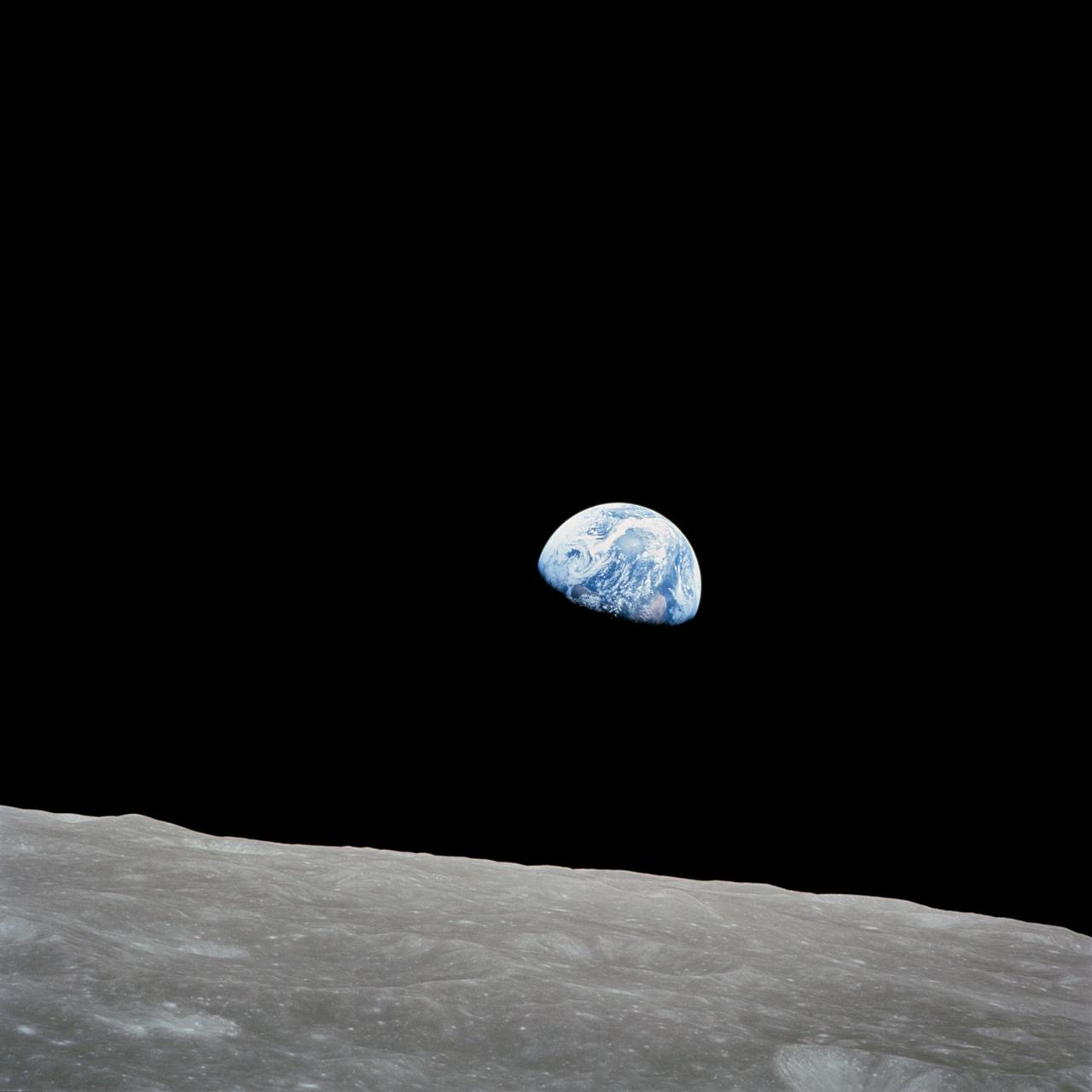
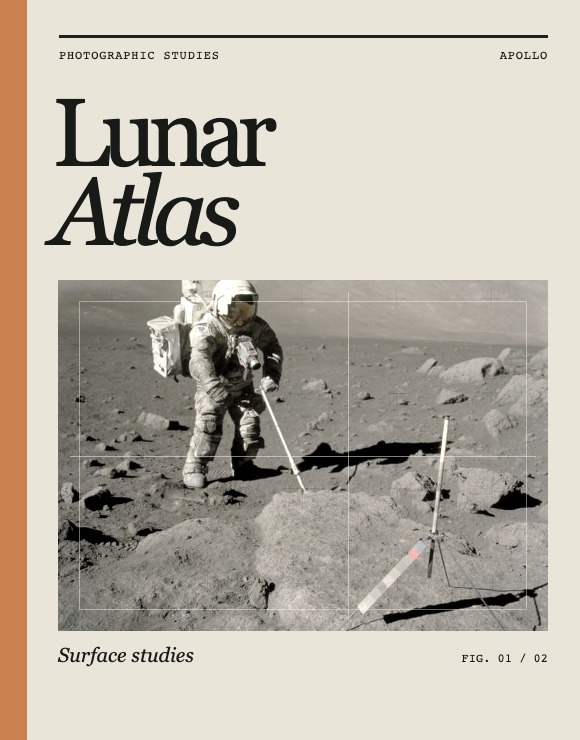 Your reply
Your files, within reach.
Pasty is a shelf for your Mac’s recent photos, files, and copied text. Bring them into the app you’re already using.
 Download for MacPasty · Just Because Labs
Watch the gestures
Sample photography by NASA · Earthrise and lunar fieldwork.
Bring Pasty to your Mac.
- Download Pasty for Mac and open the download.
- Drag Pasty into your Applications folder.
- Open Pasty and follow the setup steps.
Pasty for MacApple silicon · macOS 26 or later Download for MacSigned by Just Because Labs LLC and notarized by Apple.